Moonlight Peaks PC System Requirements & Performance
The official minimum and recommended PC and Mac system requirements for Moonlight Peaks, straight from Steam, plus Switch, Switch 2 and Android availability.

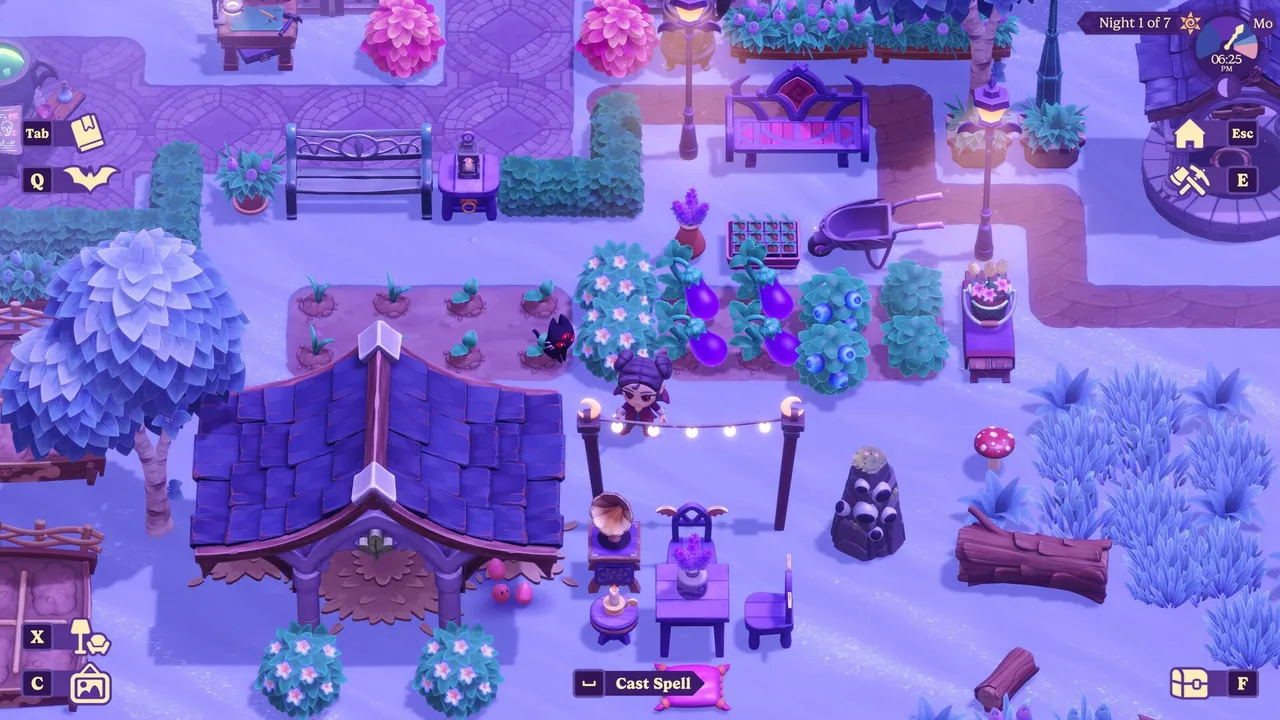
Moonlight Peaks is a stylised, 2D top-down cozy life-sim rather than a hardware-melting blockbuster, which shows in genuinely modest official requirements. Here are the confirmed numbers, straight from the Steam store page.
PC (Windows) requirements
| Minimum | Recommended | |
|---|---|---|
| OS | Windows 10 64-bit | Windows 10 64-bit |
| Processor | Intel i3 | Intel i7 / Ryzen 1700+ |
| Memory | 6 GB RAM | 16 GB RAM |
| Graphics | Nvidia GeForce GTX 660 2GB | Nvidia GeForce GTX 960+ |
| DirectX | Version 10 | Version 10 |
| Storage | 8 GB available space | 8 GB available space |
Mac requirements
| Minimum | Recommended | |
|---|---|---|
| OS | macOS 14+ | macOS 15+ |
| Processor | Apple M1 | Apple M2 |
| Graphics | Apple M1 | Apple M2 |
| Memory | 4 GB RAM | 8 GB RAM |
| Storage | 8 GB available space | 8 GB available space |
These are refreshingly light specs — a GTX 660 as the minimum GPU is over a decade old at this point, and the Apple Silicon minimum (M1) covers essentially every Mac sold since late 2020. They are still requirements, not a promise that every computer will feel identical: keep enough free storage, install the current game update, and compare your operating system and memory to the relevant column before buying.
How to read these requirements
The minimum column answers “can the game launch on this kind of machine?” The recommended column is the safer target for a smoother long-term experience, especially when a save has a busy farm, several machines, or many placed objects. Do not treat the CPU and graphics rows as optional just because the game uses a 2D camera; they are the publisher’s baseline for the released build.
For a useful self-check, open your system information, compare your operating system, processor, memory, graphics hardware, and free storage one row at a time, then leave headroom rather than aiming for an exact match. If one part is below the listed minimum, a store refund policy or a demo—where available—is a better safety net than a guessed performance claim.
The requirements also do not tell you how a particular mod, recording tool, external display, or background process will affect a session. Test the unmodified game first. If a problem appears only after adding another tool, remove that variable before concluding the base game is at fault.
Handheld and console play
It’s not just a desktop game. Moonlight Peaks is available on Nintendo Switch, Switch 2 and Android too, which makes it a strong pick for handheld, couch and on-the-go sessions. On Steam Deck, PC Gamer’s July 15 review lists the game as Verified; check the live Steam badge at purchase time because Valve can revise compatibility reviews. Our Steam Deck performance guide covers the current controller and patch context, while the Nintendo Switch & Switch 2 guide covers the distinct console editions.
Before you troubleshoot performance
Start from the facts that can be reproduced: your platform, installed game version, operating system, and the location or action where the issue appears. Update the game, close unnecessary background applications, and test once without a custom controller profile or mod. A report that says “the game slows down near a packed farm after opening storage” gives support a much clearer starting point than a general claim that the listed requirements are wrong.
For confirmed post-launch fixes to storage, controllers, performance-heavy objects, and save behaviour, see our July patch round-up. That page keeps platform-specific changes separate so a PC issue is not accidentally diagnosed with a Switch workaround.
A low-risk first-run checklist
Requirements pages are most useful when they lead to a sensible first test instead of a false promise. After installing the game, use this sequence:
- Confirm free space before launch. The store lists 8 GB available storage, but leaving additional room helps the operating system, launcher, and future patches work normally.
- Run the default configuration first. Avoid changing compatibility layers, controller profiles, or graphics options before you know how the unmodified game behaves on your machine.
- Play through an ordinary loop. Move around town, enter a menu, use a tool, visit a storage or crafting interaction, and save normally. A menu-only issue and a busy-area slowdown are not the same kind of problem.
- Change one variable at a time. If you alter a setting, restart the test and note the result. Changing resolution, drivers, controller software, and background applications together makes it impossible to identify what helped.
This is particularly important when comparing experiences across platforms. A Windows PC, an Apple Silicon Mac, a Steam Deck, and a Switch may all run the same game, but they do not share the same operating system, input stack, or patch cadence. The published specification table answers whether the basic hardware is supported; the current platform guide and patch notes answer what has changed since launch.
If you are deciding between PC and a console rather than diagnosing a problem, use the requirements as one part of the decision. PC gives you the listed Windows and Mac routes, while the console guides explain their own editions and update status. Do not infer cross-save, cross-buy, or identical performance from the existence of multiple versions unless a storefront or the publisher explicitly says so.
Frequently asked questions
What are the Moonlight Peaks PC system requirements?
Minimum: Windows 10 64-bit, Intel i3, 6GB RAM, Nvidia GeForce GTX 660 2GB, DirectX 10, 8GB storage. Recommended: Windows 10 64-bit, Intel i7 or Ryzen 1700+, 16GB RAM, Nvidia GeForce GTX 960+, DirectX 10, 8GB storage. Confirmed directly from the Steam store page.
What are the Moonlight Peaks Mac requirements?
Minimum: macOS 14+, Apple M1, 4GB RAM, 8GB storage. Recommended: macOS 15+, Apple M2, 8GB RAM, 8GB storage.
Can Moonlight Peaks run on Steam Deck or handhelds?
Yes. PC Gamer's July 15, 2026 review lists Moonlight Peaks as Steam Deck Verified. The Steam store page remains the best place to check Valve's current compatibility badge before buying; see our Steam Deck guide for the current patch context.
Sources
Related guides
Keep exploring — hand-picked guides that pair well with this one.
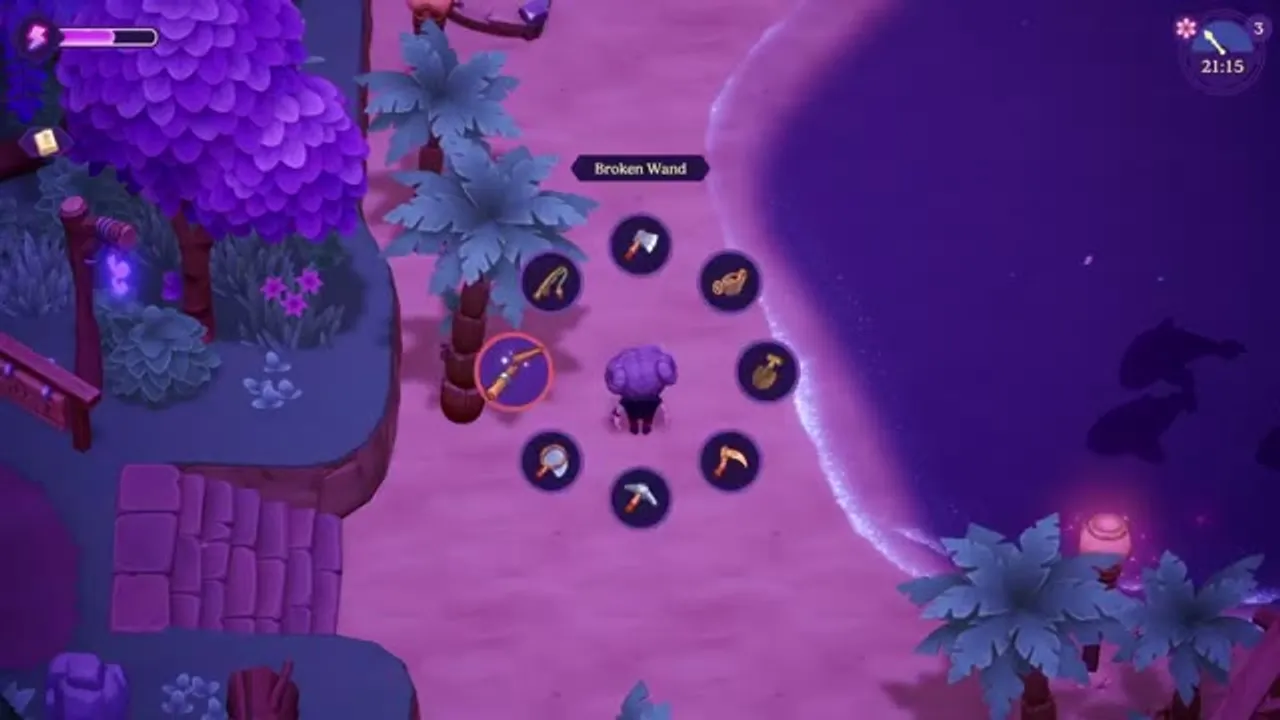
Moonlight Peaks Modding Guide: Safe Setup, Saves & Boundaries
A cautious introduction to Moonlight Peaks PC modding: what the official wiki documents, why BepInEx and Unity appear in the workflow, how to protect saves, and what not to assume about platform support.
Read guide Moonlight Peaks Save Backup & Recovery Guide (PC, Mac & Steam Cloud)
Back up Moonlight Peaks saves safely on Windows, Mac, and Linux/Steam Deck. Find the Steam Cloud save folder, avoid sync mistakes, and collect the right details for a recovery report.
Read guide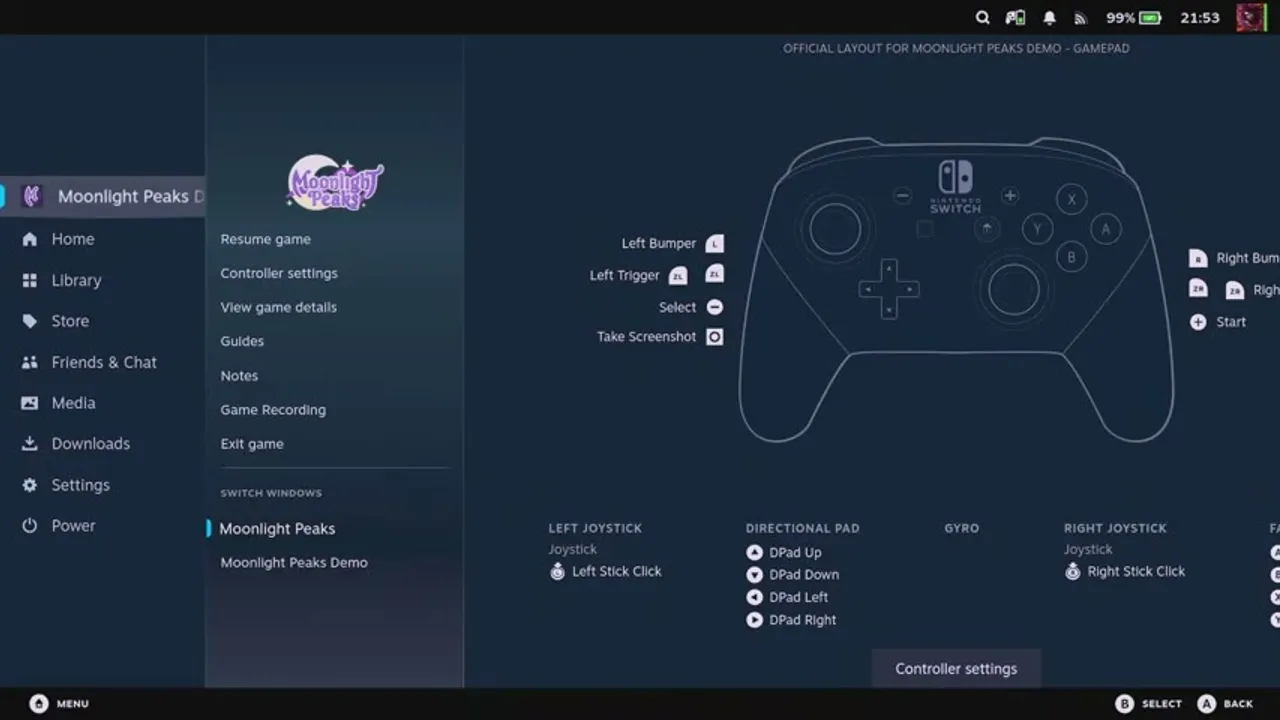
Moonlight Peaks on Steam Deck: Performance & Controller Guide
How Moonlight Peaks runs on Steam Deck — its Deck Verified status, real-world performance from players, the official gamepad layout, and why a controller-first design makes it a natural handheld farm sim.
Read guide