SteelSeries Introduces Moonlight Peaks EQ Preset: How to Optimize Your Gothic Audio Experience
The latest SteelSeries GG 118 update adds a custom EQ preset for Moonlight Peaks. Learn how to optimize your audio settings for fishing, farming, and romance.
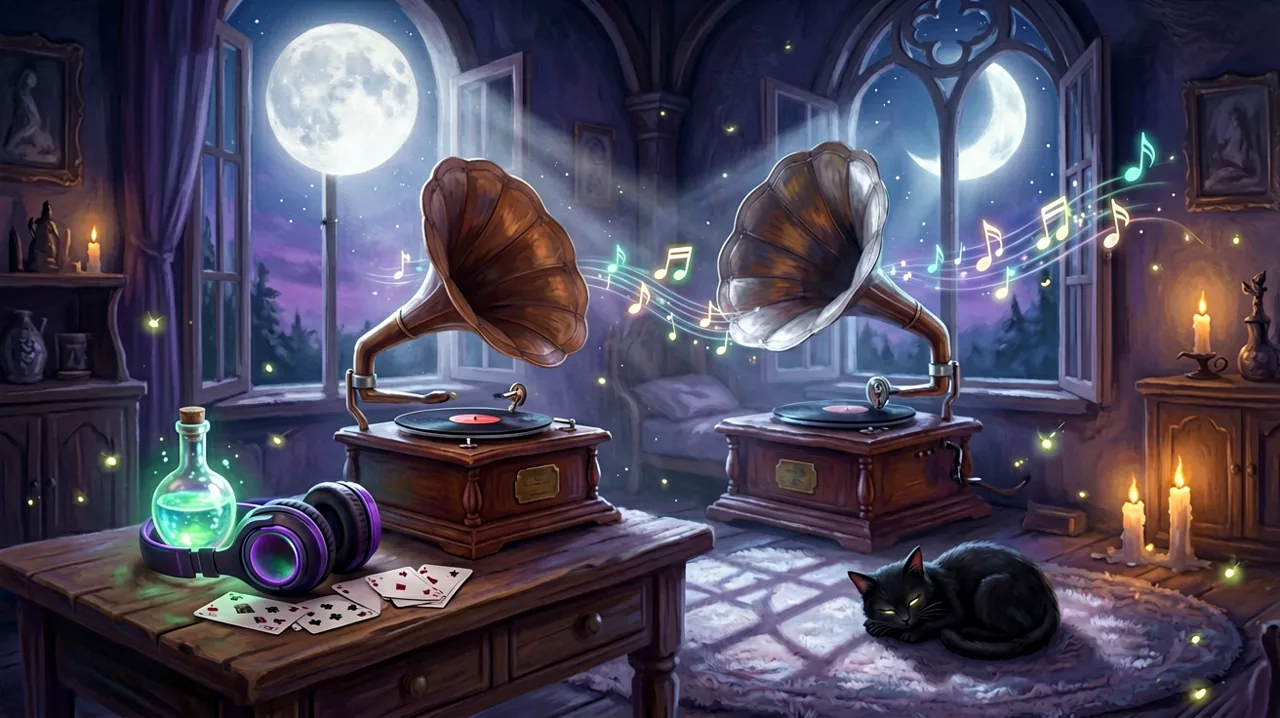
PC players exploring the supernatural world of Little Chicken Game Company’s cozy vampire simulator have a new way to immerse themselves in the eerie ambiance. The recent SteelSeries GG 118.0.0 update has officially introduced a custom EQ (Equalizer) preset tailored specifically for the game. While the visual art style often steals the spotlight—from the charming character creator to the glowing magical crops in the moonlight—the soundscape plays a crucial role in bringing the cursed town to life.
For players utilizing the SteelSeries Engine, this update means you can now apply audio settings curated to highlight the atmospheric details of the game. Whether you are tending to your cursed farm in the dead of night, casting complex spells from your witch’s cauldron, or attending the elegant Moonlight Ball, having the right audio profile can drastically alter how you experience the seven families’ domain.
Breaking Down the SteelSeries GG 118.0.0 Update
The SteelSeries GG software suite is a popular hub for PC players looking to fine-tune their headset and peripheral settings. According to the release notes published on their official technical blog and shared across community forums, version 118.0.0 brings several stability improvements and introduces new EQ presets. Nestled alongside major competitive titles, the cozy gothic simulation secured its own dedicated preset.
But what exactly does this mean for your everyday gameplay? An EQ preset adjusts the balance of specific audio frequencies. For a supernatural farming simulation, this typically involves enhancing the low-end bass to give thunder rolling over the mountains, distant wolf howls, and magical hums a richer presence. Simultaneously, it tweaks the mid and high frequencies so that NPC dialogue, precise UI clicks during an intense Nokturna card game, and crucial environmental cues remain crisp and distinguishable.
If you are a PC player using compatible hardware, you can apply this preset by opening your GG software, navigating to the Engine tab, and selecting the profile from the dropdown menu. Even if you do not own a SteelSeries headset, the introduction of this profile highlights how important sound design is to the overall experience, prompting many in the community to take a closer look at their own in-game audio settings.
The Atmospheric Soundscape of the Seven Families
The town itself is divided into distinct regions, largely influenced by the prominent supernatural factions that govern them. The audio design seamlessly shifts as you traverse these borders. When you leave the central cobbled streets and venture into the territories held by the werewolf packs, the background music incorporates more acoustic, rustic string instruments accompanied by the rustling of dense foliage and animalistic sounds.
Conversely, entering areas influenced by the prominent vampire families introduces classical gothic instrumentation. Harpsichords, cellos, and deep resonant strings build a sophisticated yet slightly melancholic atmosphere. If you are pursuing a romance with Elvira or spending time around the historic manors, you will notice these subtle musical shifts immediately. The newly released EQ preset reportedly enriches these lower string notes, making the transition between the distinct family territories feel much more pronounced and theatrical.
Audio Cues for Farming and Witchcraft
Beyond the beautiful background music, reliable audio cues are essential for efficient daily management. Farming and enchanted crops require careful attention, and sound design plays a massive part in notifying you of your farm’s status without needing to constantly check your UI. The wet squelch of planting a seed in the cursed soil, the satisfying rhythmic splash of the magical watering can, and the distinct popping sound when a crop is fully grown and ready to be harvested all help establish a comforting routine.
Witchcraft introduces its own layer of auditory feedback. When you are standing at the crafting station working on potion brewing, the bubbling of the cauldron changes pitch depending on the complexity of the recipe. Brewing a basic healing draft sounds light and airy, while concocting the highly sought-after Alter Ego Elixir produces a heavier, thicker bubbling noise punctuated by a distinct magical chime upon success. A properly tuned headset ensures you can hear these chimes clearly from across your farm, which is incredibly helpful when you are multitasking around your homestead.
The Sounds of the Wild: Fishing and Foraging
Like many titles in the cozy genre, gathering resources relies heavily on audio-visual synchronization. Fishing and foraging are daily staples for most players looking to earn money or complete quests, and sound is arguably your most reliable tool when trying to catch rare aquatic life.
When casting your line into the rivers or the deep ocean near Luna Bay, the ambient noise of rushing water or crashing waves can sometimes mask the subtle nibble of a fish. The auditory cue for a successful bite—a sharp, distinct splash and a tightening of the line—needs to cut through the background noise. Optimizing your high-frequency audio, which the new EQ preset aims to balance perfectly, makes it significantly easier to react in time. Missing out on a rare catch just because the water’s ambient noise was too loud can be incredibly frustrating, so having clarity in these specific sound effects is a massive quality-of-life improvement.
Shapeshifting Soundscapes: Bat and Cat Forms
One of the defining features of the game is the ability to traverse the environment in different forms. The shapeshifting and bat form mechanics completely alter how you interact with the map, and the developers have cleverly matched this with dynamic, immersive audio shifts.
Taking flight as a bat introduces a rushing wind effect, actively muffling the ground-level sounds to simulate altitude and isolation. You can hear the rhythmic flapping of leathery wings, which provides a calming cadence as you soar over the mist-covered peaks. Similarly, the recently discovered cat form—a topic of much excitement following the game’s launch—changes your movement audio to soft, barely perceptible paw steps, emphasizing the stealthy nature of the feline shape. These environmental audio filters make the magical transformations feel tangible and weighty, rather than just acting as a simple movement speed boost.
Romance, Dialogue, and Social Ambiance
Socializing with the town’s diverse inhabitants is a core pillar of the experience. With over 15 romanceable characters, each date and interaction features bespoke audio elements designed to reflect the personality of the resident. Taking Alina on a date to the local tavern is accompanied by the warm, muffled chatter of patrons, the clinking of glasses, and a lively hearth. In contrast, a quiet evening walk with a mysterious werewolf companion might be scored by nothing but crickets, the wind in the trees, and the crunch of boots on the dirt path.
The voice acting—which leans into expressive grunts, sighs, chuckles, and emotive noises rather than fully spoken dialogue—relies heavily on clear audio delivery to convey a character’s current mood. A happy hum from a mermaid or a dismissive scoff from a rival vampire family member carries a lot of narrative weight and helps build relationship immersion. Ensuring your mid-range audio is balanced allows these character quirks to shine without being drowned out by the background music.
Creature Comforts: Livestock and Pet Noises
Your homestead is rarely a quiet place if you have invested in the local supernatural fauna. Managing Draculambs and livestock adds a layer of chaotic, endearing barnyard noise to your property. The bleating of Draculambs, which have a uniquely spooky, slightly echoing resonance to their calls, creates a lively atmosphere as you walk out your front door every morning.
Furthermore, if you have adopted any of the magical pets, such as a three-eyed hellcat or a glowing Soul Blob, they contribute their own ambient noises to your living space. The deep, rumbling purr of a hellcat sleeping by the fireplace is arguably one of the coziest sounds in the entire game. Having a good audio setup brings these subtle, heartwarming details forward, making your carefully decorated house truly feel like a lived-in home.
Adjusting Audio on Other Platforms
While the official SteelSeries update is fantastic news for specific PC players, it also serves as a great reminder for everyone else in the community to check their in-game settings. Whether you are playing on the Nintendo Switch, the newly released Switch 2, or holding out for the Android mobile release, you can still optimize your auditory experience manually.
Head into the game’s settings menu to adjust the audio sliders. A highly recommended community tip is to lower the Master Music volume to around 70% while keeping the SFX (Sound Effects) firmly at 100%. This ensures that crucial gameplay cues—like fish biting, crops finishing their growth cycle, and Nokturna card placements—are never overshadowed by the sweeping gothic soundtrack. Additionally, if you are playing on a Steam Deck or a Switch console in handheld mode, plugging in a pair of wired headphones or utilizing low-latency Bluetooth earbuds will drastically improve the spatial audio compared to relying on the device’s built-in speakers.
The clear dedication to atmospheric sound design shows the incredible level of polish the developers aimed for. As we continue to build our homesteads, uncover the deep secrets of the seven families, and ultimately find our perfect supernatural partner, taking a moment to simply stop, listen, and appreciate the spooky world around us is highly recommended.